Why task drift happens even when you use a calendar
Most people don’t forget tasks because they don’t care. They forget because the day reshapes itself: meetings shift, emails arrive, priorities change, and small “I’ll do it later” decisions accumulate. The result is task drift—work that slowly slides out of view—and follow-ups that disappear until they become uncomfortable.
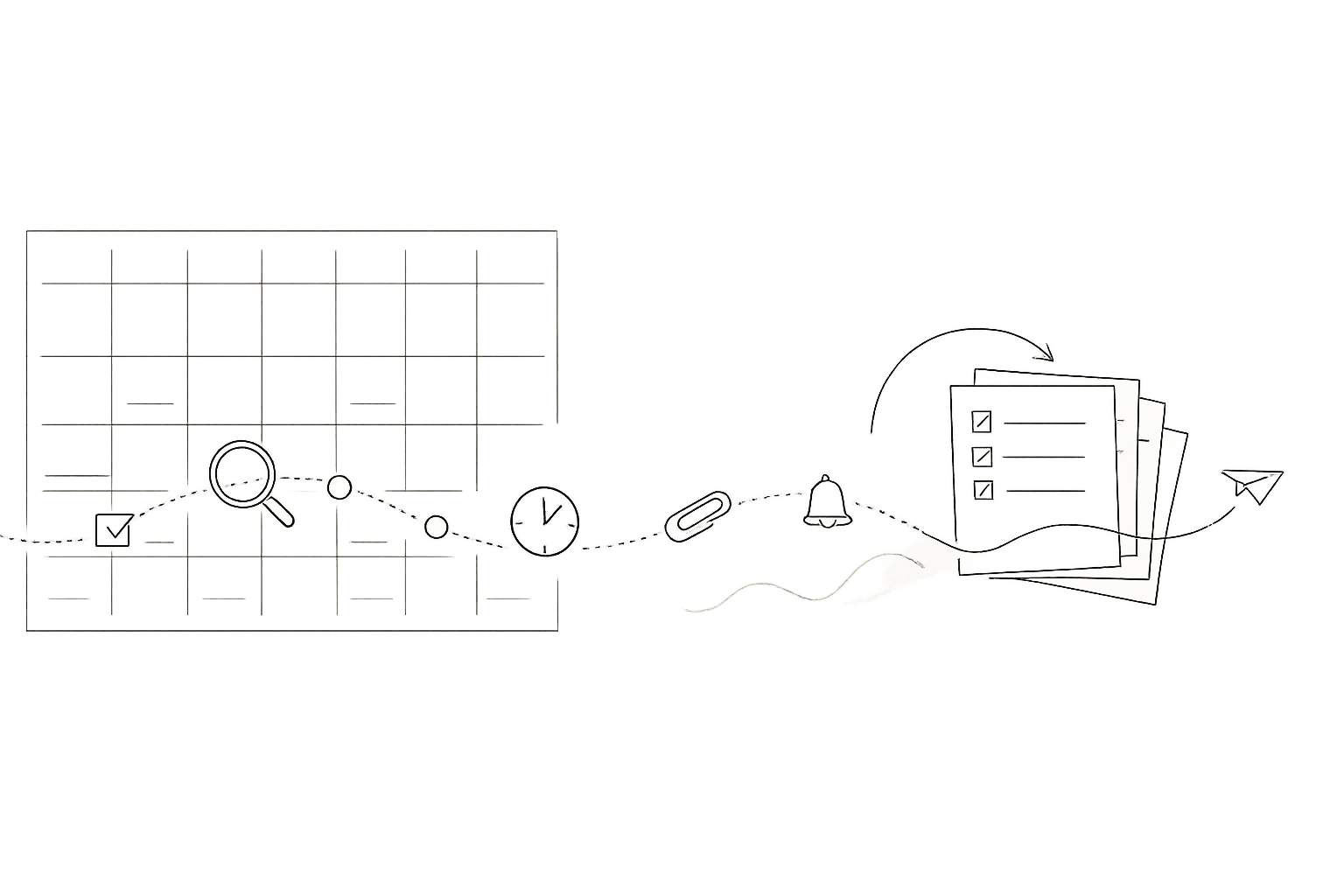
The “Calendar Checkpoint” system is a simple fix: three short, time-stamped prompts you place on your calendar every day. Each prompt asks a slightly different question, at a different moment of the day, so you catch drift early, recover gracefully, and close loops before they become fires.
The Calendar Checkpoint system in one sentence
Schedule three recurring, time-stamped checkpoints—morning, midday, and end-of-day—so you always know what matters next, what’s slipping, and what must be followed up.
Principles that make checkpoints work
1) A checkpoint is an appointment with your future self
A checkpoint isn’t “planning time” in the abstract. It’s a calendar event that interrupts autopilot. By giving it a start time, you remove the need to remember to reflect; the calendar remembers for you.
2) Each checkpoint has a narrow job
If every checkpoint tries to do everything—re-prioritize, organize tasks, review notes, plan the week—it becomes a chore and you’ll skip it. The system works because each prompt is small and specific.
3) The output must land somewhere visible
A checkpoint should end with a tangible result: a scheduled block, a clarified next action, or a follow-up created with a due date. If the result stays in your head, drift returns by noon.
Set up the three daily checkpoints
Use fixed times that fit your day. The exact minutes matter less than the consistency. Many people choose something like 9:00, 1:30, and 5:30, but you should match your real work rhythm.
Checkpoint 1: Morning “Start Clean” (5–10 minutes)
Prompt: “What are the three outcomes I want today, and when will I do them?”
This checkpoint prevents the most common failure mode: starting the day in your inbox and letting other people’s urgency define your agenda. Keep it tight:
- Pick up to three outcomes that would make the day feel “done.”
- Time-block the first meaningful action for each outcome. Not “work on project,” but “draft outline,” “send the intro email,” or “review the spec.”
- Convert open loops into scheduled actions (calendar blocks) or explicit follow-ups (tasks with dates).
A practical rule: if something matters today, it should have a time on the calendar. If it doesn’t have a time, it’s a wish.
Checkpoint 2: Midday “Course Correct” (3–7 minutes)
Prompt: “What changed, what slipped, and what is the next best use of the next 2–3 hours?”
Midday is where drift usually becomes irreversible. A meeting runs long, you lose your best focus window, and suddenly your priorities are still “the same” but your schedule isn’t. This checkpoint is a lightweight recalibration:
- Scan the calendar from now to end-of-day and identify the real remaining capacity.
- Reschedule, don’t abandon: if a block is unrealistic, move it to a specific time tomorrow or later this week.
- Surface one follow-up you’re avoiding and schedule a 10-minute slot to send it.
This is also a good moment to prevent “calendar optimism.” If you keep pushing the same tasks forward without changing scope, you’re not planning—you’re deferring. Adjust the work (smaller next action) or adjust the time (a larger block), but don’t leave it vague.
Checkpoint 3: End-of-day “Close Loops” (5–12 minutes)
Prompt: “What needs a follow-up, what is the next action, and when will it happen?”
End-of-day is where forgotten follow-ups are created. You had a call, promised something, meant to reply, and then you shut the laptop. The goal here is not to do more work—it’s to make tomorrow easier and prevent silent drops:
- Review today’s meetings and notes and extract follow-ups.
- Write the next action in a sendable form (e.g., “Email Alex the timeline options” rather than “Follow up with Alex”).
- Attach a date: schedule it on the calendar or set a due date. No date means “someday.”
- Create a short “first block” for tomorrow so you start with traction, not triage.
How to implement this cleanly in one workspace
The system can work with any calendar, but it becomes much easier when your calendar and tasks share the same surface. That’s where a platform like Routine fits naturally: you can time-block tasks as scheduled actions, capture follow-ups right after a meeting, and keep notes tied to the context that generated them. The key is reducing tool switching during checkpoints—because friction is what makes you skip the habit.
What to time-stamp inside the checkpoint events
To make checkpoints faster, put the prompts directly in the event description. Use a consistent template so you don’t think about what to do each time.
Example template
- Morning: 3 outcomes → schedule first actions
- Midday: what changed → reschedule realistically → one avoided follow-up
- End-of-day: extract follow-ups → next action + date → seed tomorrow’s first block

If you work with clients or run outreach, protect these checkpoint blocks like meetings. They are what prevents the “we’ll get back to you” promises from becoming reputation damage. (If you’re also managing email outreach volume and timing, the mindset is similar to keeping systems stable; see the internal guide on ramping from warmup engagement to campaign outreach without losing inbox placement.)
Common failure modes and quick fixes
You skip checkpoints when you’re busiest
That’s when they matter most. Make the midday checkpoint as small as possible (even 3 minutes). If you truly can’t do it, reschedule it the same day rather than deleting it—treat it like a protected operational control.
Your calendar becomes a graveyard of moved blocks
If the same block moves three times, it’s a signal. Either the task is too large (split into a smaller next action) or it’s not actually a priority (de-scope or archive it). Checkpoints are where you make that decision consciously.
Follow-ups exist but don’t get sent
Make follow-ups “sendable” during the end-of-day checkpoint: add the recipient, the ask, and the exact artifact you owe. If you can’t send now, schedule a 10–15 minute slot labeled with the verb: “Send proposal PDF to Jamie,” not “Proposal.”
How to keep the system lightweight over time
After two weeks, review whether your checkpoint times match reality. If the midday prompt keeps landing inside meetings, move it. If end-of-day happens after your energy is gone, shift it earlier. The system is meant to reduce cognitive load, not add ceremony.
Done well, three short prompts create a loop: plan, correct, close. That loop is what prevents task drift and keeps follow-ups from turning into last-minute recoveries.