Why feature request routing breaks as you scale
Feature requests rarely arrive in a neat queue. They show up in sales calls, support tickets, community threads, and internal Slack messages. As volume grows, “who owns this?” becomes the bottleneck: requests get duplicated, sent to the wrong team, or languish without a clear next step. The result is predictable—slower cycle time, inconsistent customer follow-up, and noisy prioritization meetings.
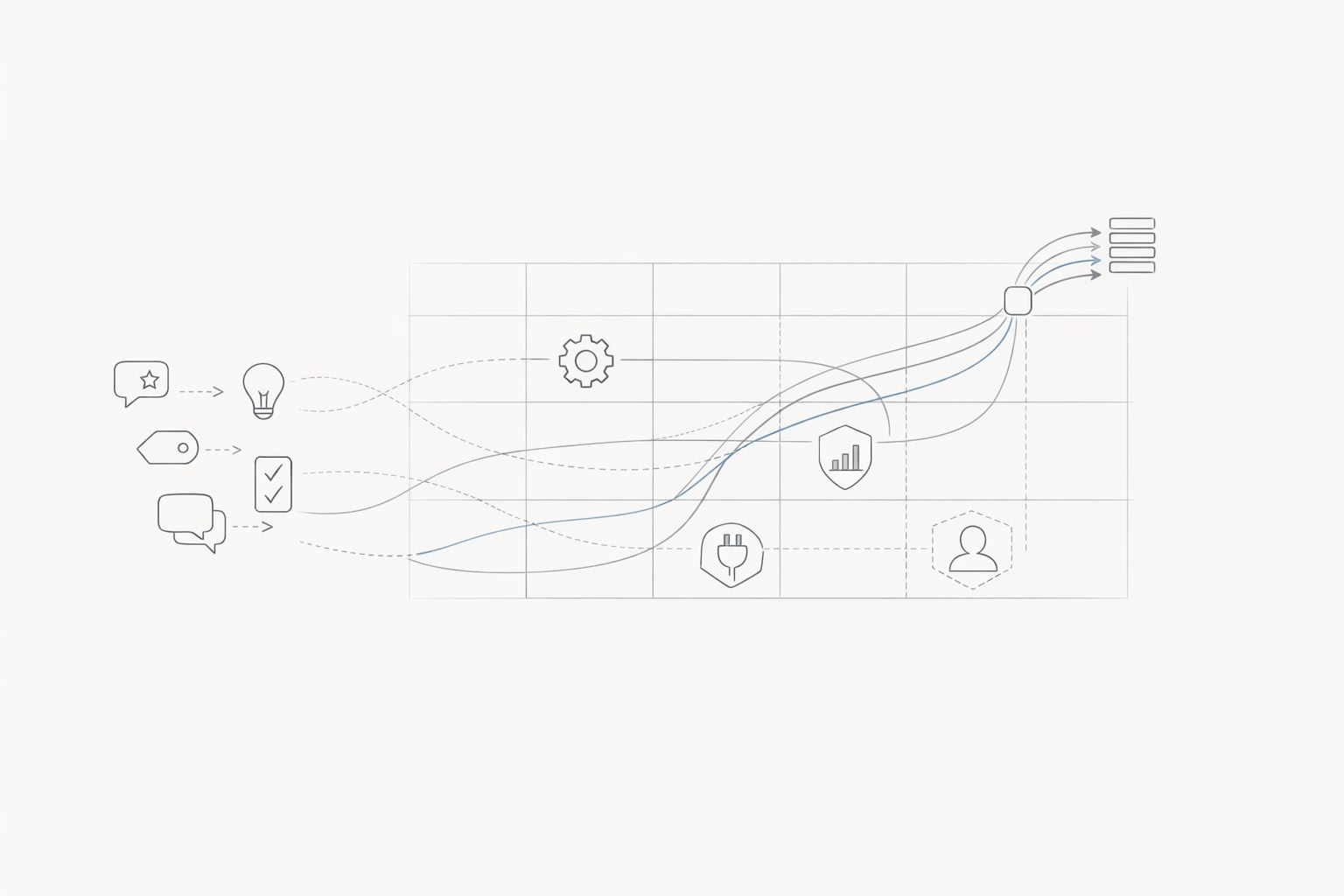
A practical fix is to treat routing like a product system, not a manual habit. The Feedback Routing Matrix is a lightweight framework for auto-assigning incoming requests using two reliable signals: customer segment and product area. When you standardize those signals and map them to owners, you can route consistently across channels without turning your PM org into a help desk.
What the Feedback Routing Matrix is
The matrix is a simple grid that defines routing rules based on:
- Customer segment (who is asking and what they represent)
- Product area (what part of the product the request impacts)
Each cell in the grid points to an owning team (and often a backup owner). The point is not perfect classification; it’s predictable default ownership so every request starts in the right place and is enriched the same way.
Why segment + product area works
Most routing mistakes happen because teams route by “channel” (support vs. sales) or by “request type” (bug vs. feature). Those dimensions matter, but they don’t reliably answer ownership. Segment and product area do:
- Segment helps you handle high-impact customers differently (enterprise SLA expectations, strategic roadmap alignment, revenue influence).
- Product area anchors the request to the team that can actually ship the change.
Combined, they reduce the “not my problem” loop and preserve context for prioritization later.
Define the two signals so they stay stable
1) Customer segments that are operational, not aspirational
Segments should be easy to assign from CRM or account metadata and consistent across teams. Common options:
- Lifecycle: trial, new customer, established, churned
- Plan / tier: free, self-serve paid, business, enterprise
- Revenue bands: e.g., <$5k ARR, $5–50k, $50k+
- Industry / use case: when it strongly changes product needs
Pick one primary segmentation scheme and keep it short (3–6 segments). If you need nuance, store secondary attributes (ARR, industry) as fields for filtering and scoring—don’t add more segments until routing accuracy demands it.
2) Product areas that match how teams build
Product areas should mirror your engineering ownership boundaries. Examples:
- Onboarding and activation
- Core workflow
- Reporting and analytics
- Integrations
- Admin, roles, and permissions
- Billing and account
A good product area taxonomy has two qualities: people can assign it in under 30 seconds, and it rarely changes. If your org restructures often, define areas around the product surface rather than team names.
Build the matrix and make ownership explicit
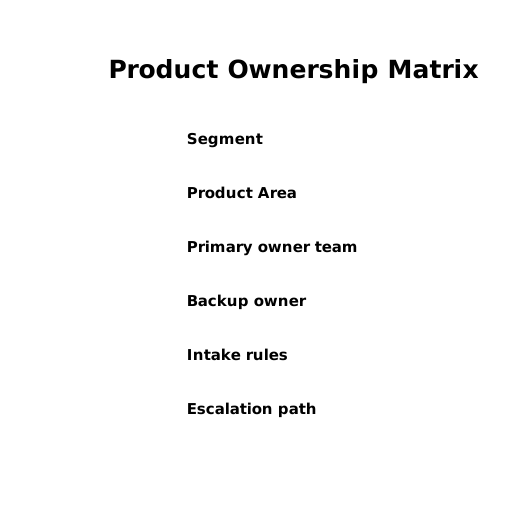
Start with a table where rows are segments and columns are product areas. Then fill each cell with:
- Primary owner team (the default assignee)
- Backup owner (for coverage)
- Intake rules (what “good” looks like for this cell)
- Escalation path (when it’s urgent or high-risk)
In practice, many cells point to the same team—and that’s fine. The value is removing ambiguity. For example, “Enterprise + Permissions” might route to a Security/Platform team, while “Self-serve + Permissions” routes to Core Product if that’s where most UX changes land.
Decide what happens when signals are missing
Routing systems fail when they hit unknowns. Define defaults:
- Unknown segment: route to a general triage owner (often Product Ops or Support Ops) for enrichment.
- Unknown product area: route to a rotating “router” role for quick classification.
- Multiple product areas: pick the “primary impact” area, and tag secondary areas for visibility.
Operationalizing the matrix with consistent intake
A matrix only works if every request becomes a structured record with the same fields. The minimum viable intake record usually includes:
- Request title (normalized)
- Source (support, sales, community, etc.)
- Customer segment (primary)
- Account / user identifiers
- Product area (primary)
- Use case (what they’re trying to achieve)
- Evidence (links to tickets, calls, screenshots)
This is where a dedicated feedback platform helps, because it centralizes incoming signals and keeps routing decisions visible. Teams often use canny.io to collect feature requests from a public portal and internal sources, deduplicate similar ideas, and preserve customer context for prioritization and follow-up.
Use “router questions” to reduce back-and-forth
Most misroutes happen because the request is vague. Add 2–3 short clarifying questions at intake that are tied to your product areas. For example:
- “Which workflow were you in when you needed this?”
- “Is this about access/permissions, data/reporting, or an integration?”
- “What outcome would success look like?”
These questions improve product area classification and produce better artifacts for the owning team.
Automating assignment without creating new chaos
Step 1: Normalize and tag automatically
Automation starts with consistent tags. If requests arrive from multiple tools, normalize the fields at ingestion (segment from CRM, product area from keywords and forms). Many teams pair rule-based tagging (deterministic) with AI assistance (probabilistic) to keep accuracy high while reducing manual effort.
If you’re thinking about safe automation design, the same principles apply as in a pattern library for turning customer messages into safe reversible CRM and ERP actions: capture intent, validate inputs, and keep actions reversible when possible.
Step 2: Assign by matrix rules, then audit
Once tags exist, the assignment is straightforward: (segment, product area) → owner. The important part is the audit loop:
- Track reassignment rate (how often owners bounce it)
- Track time-to-first-owner (minutes/hours, not days)
- Track “unknown” rate for both signals
High reassignment means your product areas don’t match reality or your clarifying questions aren’t working. High unknowns means your upstream data (CRM segment mapping, form completion) needs attention.
Step 3: Handle duplicates intentionally
Routing is also where duplicates multiply. Duplicates aren’t just clutter—they split demand signals across teams. Build a rule: duplicates merge into a canonical request and keep all linked customers, segments, and revenue impact. That preserves prioritization integrity and prevents “phantom low demand” artifacts.
How teams use the matrix for prioritization, not just triage
When routing is consistent, downstream prioritization becomes more quantitative. You can answer:
- Which product areas receive the most enterprise pressure?
- Which segments are blocked in onboarding vs. reporting?
- Where is demand concentrated by ARR band?
That’s the practical value: the matrix turns messy narratives into comparable queues. You still need PM judgment, but you spend less time debating ownership and more time evaluating tradeoffs with better evidence.
Common pitfalls and how to avoid them
Too many segments or product areas
If classification takes longer than the request itself, routing won’t stick. Keep both dimensions small, and store nuance as attributes for filtering later.
Ownership defined by individuals instead of teams
People change roles. Teams persist. Route to teams by default, then let the team decide the internal assignee.
No single source of truth for feedback
If support logs requests one way and sales logs them another way, the matrix becomes theoretical. Centralize intake and enforce the same fields everywhere so the routing logic stays consistent.