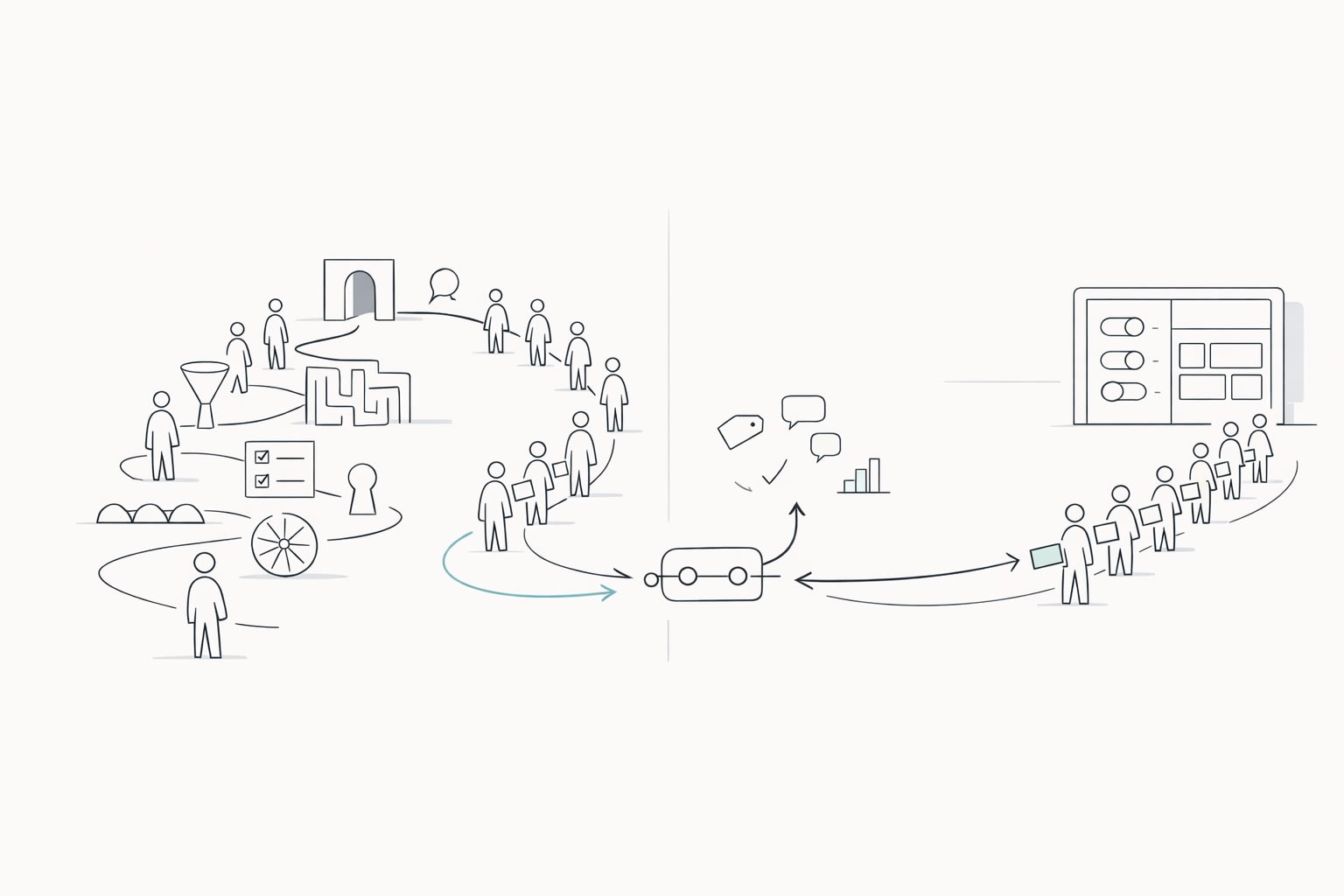
Why a two-queue system changes how product teams interpret feedback
Most feedback programs mix two very different signals into one backlog: users who can’t get started and users who want something new. When those signals share the same intake pipe, the loudest theme often looks like “build X feature,” even when the real issue is that people never reached the moment where X would matter.
The two-queue feedback system fixes this by separating feedback into:
- Queue A: Onboarding friction (blocked activation, confusion, setup issues)
- Queue B: True feature demand (requests from users who have reached meaningful product value)
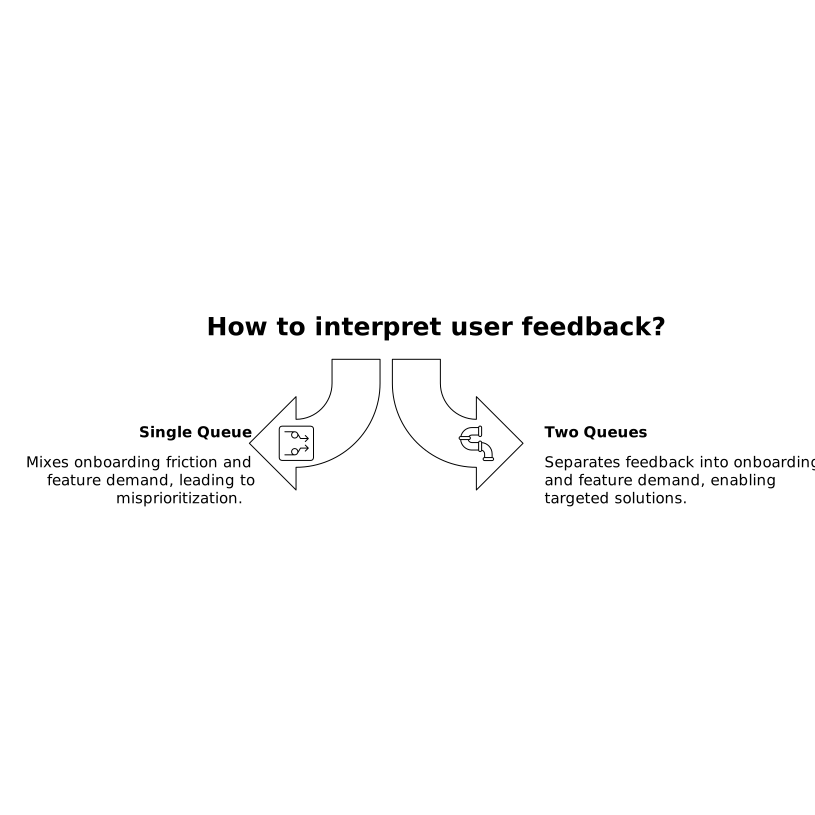
The point isn’t to ignore early feedback. It’s to interpret it correctly, so teams don’t ship features to compensate for activation problems.
Define activation milestones before you sort any feedback
Two queues only work if “activated” has a concrete meaning. Activation milestones should be behavior-based, not time-based, and tightly tied to your product’s “aha” moment. Examples:
- A data product: first successful data import and one saved report
- A collaboration tool: first invite sent and accepted, plus one shared artifact created
- A marketplace: first listing published or first booking completed
Many teams also benefit from multiple milestones rather than one. A simple model is:
- M0: created account
- M1: completed setup
- M2: reached first value (core action performed successfully)
- M3: repeated value (core action repeated, or adopted a second key workflow)
When feedback arrives, the milestone context tells you whether the user is asking for a feature because they understand the product—or because they’re stuck before value.
Queue A is for friction that prevents activation
Queue A should capture anything that plausibly blocks a user from reaching M1 or M2. These items tend to look like “feature requests,” but they behave like onboarding defects:
- “Can you add a CSV template?” (often a setup clarity issue)
- “Need an example project” (missing guidance, not missing capability)
- “Support SSO” (sometimes enterprise gating, sometimes a true feature—milestones help you tell)
- “It’s confusing where to start” (information architecture and UX)
In Queue A, the goal is not to maximize upvotes. The goal is to remove the most common blockers to activation with the least complexity.
How to score Queue A items
Use an activation-first scoring approach:
- Activation impact: how strongly this issue correlates with failure to reach M1/M2
- Frequency: how often it appears across accounts and segments
- Time-to-fix: how quickly you can remove the blocker
- Support burden: how many tickets, calls, or escalations it creates
Queue A often produces small, high-leverage work: copy changes, default settings, better empty states, templates, migration helpers, and clearer permissions.
Queue B is for demand from users who reached value
Queue B is where you place feature requests from users who have reached activation milestones (usually M2+). These are the users who can compare “what exists” to “what they need next.” Their requests are more likely to reflect real product-market fit expansion rather than onboarding confusion.
Common Queue B patterns include:
- New workflows (“support approvals,” “add bulk actions”)
- Integrations (“sync with our CRM,” “webhook improvements”)
- Advanced controls (“permissions, audit logs, custom roles”)
- Performance and reliability (“faster load, better error recovery”)
How to score Queue B items
Queue B scoring should reflect durable demand and strategic value:
- Segment fit: which customer segments request it (SMB vs enterprise, industry, use case)
- Revenue impact: expansion, retention, and pipeline influence
- Demand strength: number of distinct accounts, not just comments
- Strategic alignment: supports your positioning and roadmap themes
This is also where it’s reasonable to interpret upvotes and recurring requests as “market pull,” because you’ve filtered out pre-activation noise.
Routing rules that make the system operational
The two-queue system fails when teams manually debate every item. It succeeds when routing rules are simple and consistent.
- Rule 1: If the user has not reached M1/M2 and the request references “getting started,” route to Queue A.
- Rule 2: If the user has reached M2+ and the request references scaling, advanced workflows, or repeat usage, route to Queue B.
- Rule 3: If unclear, request clarification and tag it as “needs context” until you can assign it confidently.
In practice, good routing depends on having the milestone available at the time of feedback capture. That’s where a centralized feedback platform helps. For example, teams using canny.io can keep feedback in one workspace and make it easier to track patterns by segment and attach metadata that keeps triage consistent.
Use activation milestones to prevent roadmap distortion
The biggest benefit is avoiding “roadmap distortion,” where onboarding blockers masquerade as feature gaps. A common symptom is shipping complex functionality to solve what is actually a clarity issue. Another symptom is an overbuilt onboarding experience that tries to satisfy every early request, even if most users don’t need it.
Instead, the two-queue system encourages a healthier pattern:
- Fix friction until activation rates stabilize and support burden drops.
- Then prioritize feature demand that increases depth of usage and retention.
To make this measurable, track:
- Activation rate by cohort (before/after Queue A work)
- Time-to-activation (median time from signup to M2)
- Post-activation request mix (what Queue B themes emerge once users reach value)
Close the loop differently for each queue
Queue A updates should feel like improvements to getting started: clearer setup, fewer steps, better defaults, and better guidance. Queue B updates should feel like product evolution: new workflows, deeper integrations, and expanded capabilities.
When you publish updates, consider separating communication by intent (onboarding improvements vs new capabilities). It makes it easier for users to notice progress and for internal teams to see that you’re not treating every request as a roadmap item.
A practical cadence for running two queues
A simple operating rhythm keeps the system from becoming theoretical:
- Weekly: review Queue A with onboarding/support, pick 1–3 high-impact friction fixes.
- Biweekly or monthly: review Queue B with product/engineering, update scoring with revenue and segment context.
- Quarterly: revisit activation milestones—if they no longer represent the true “aha,” the routing logic will drift.
This cadence also reduces the risk of “feedback theater,” where feedback is collected but not translated into decisions. If you’re already investing in measurement, it’s worth keeping analytics reliable and first-party where possible; for related measurement constraints, see how to measure traffic loss from ad blockers with cookie-free analytics.
The two-queue approach ultimately makes prioritization more honest: friction work is treated as activation work, and feature work is treated as demand work—without letting one disguise itself as the other.