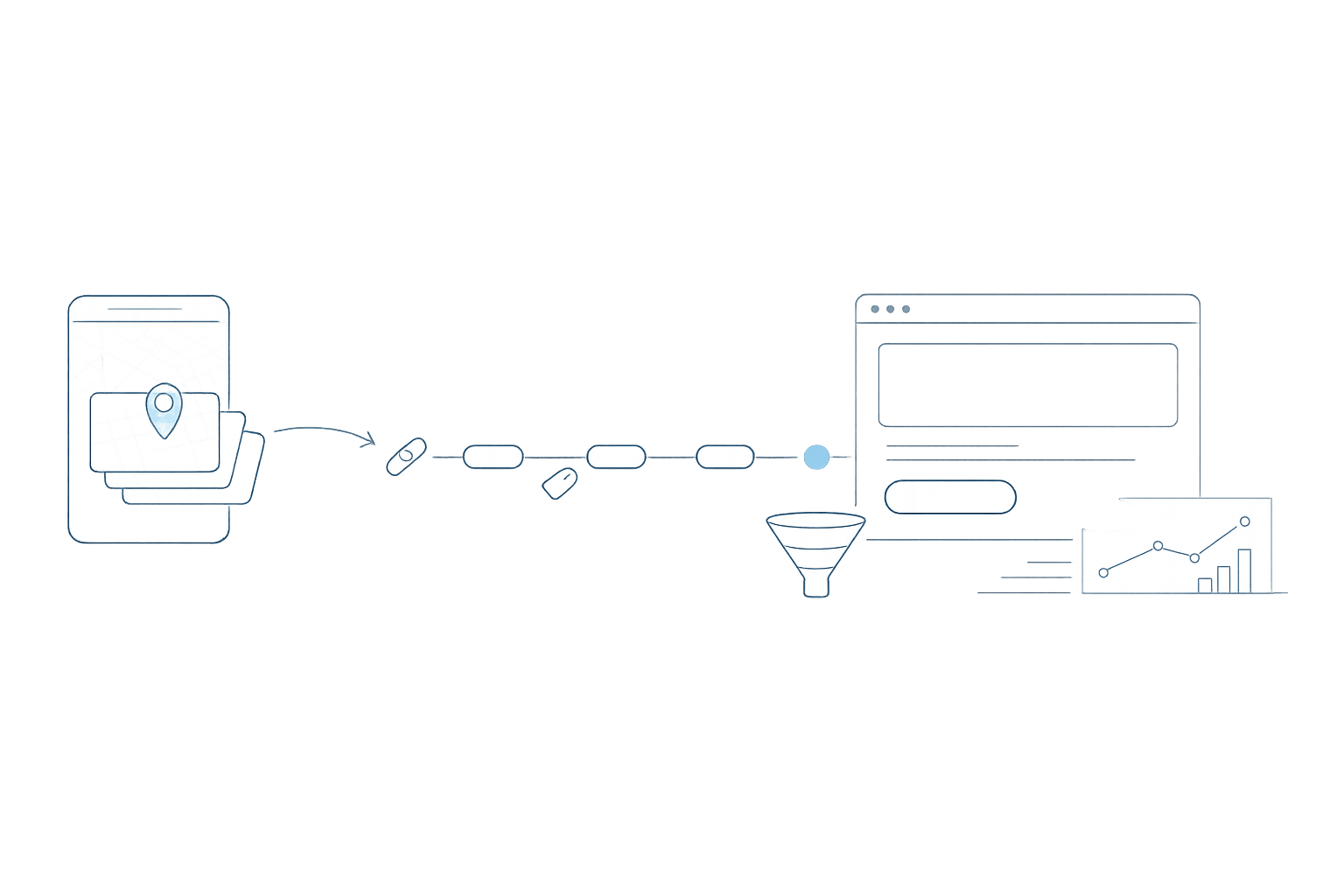
Why blended ROAS breaks when “channels” mean different things
Blended ROAS looks simple: revenue divided by ad spend. But once you blend multiple platforms, a hidden problem shows up fast—your “channel” labels don’t actually match across systems.
Google Analytics 4 (GA4) assigns sessions to channels using its own channel grouping logic (Default Channel Group or your custom group). Ad platforms, meanwhile, apply source rules based on click IDs, referrers, campaign metadata, and platform-specific taxonomies. The result is a “Channel Definition Gap”: the same user journey can be labeled Paid Search in one place, Paid Social in another, and Direct somewhere else. When you aggregate spend from ad platforms but use GA4 revenue by channel, blended ROAS becomes skewed—sometimes dramatically.
What GA4 channel grouping actually does
GA4 channels are not a mirror of your ad accounts. GA4 groups traffic using dimensions like source, medium, campaign, and (when available) platform signals such as Google click identifiers. GA4 then maps those values into a channel bucket such as Paid Search, Organic Search, Paid Social, Referral, Email, or Direct.
Two practical consequences follow:
- GA4 is session-scoped by default for channel reporting, so it reflects the session acquisition logic and not a clean “cost center” taxonomy.
- GA4’s buckets depend on incoming tagging quality. If UTM medium values vary (e.g., “paid_social” vs “paidsocial” vs “cpc”), GA4’s channel assignment may not match your intent.
How ad platforms decide “source” and why it conflicts
Ad platforms don’t need to infer channels the same way. They know where the click came from because they are the source of the click. They also use their own naming conventions and hierarchies:
- Google Ads will treat spend as Search, Shopping, Performance Max, Display, or Video based on campaign type—not GA4 channel rules.
- Meta treats spend as Facebook/Instagram placements within a paid social system, but GA4 may classify resulting sessions as Paid Social, Referral, or even Direct depending on tagging and browser behavior.
- Other platforms may export “source/medium” fields that look like UTMs but aren’t governed by GA4’s channel definitions.
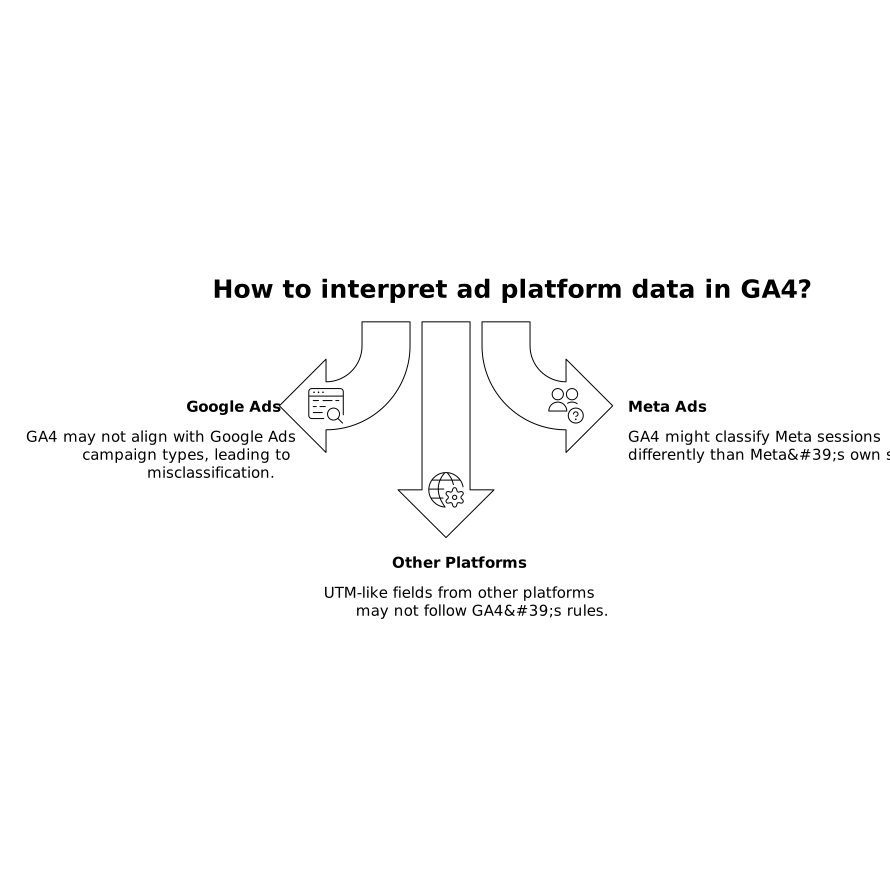
This mismatch is fine when each system is read in isolation. It becomes a problem when you blend them into one ROAS view without normalizing definitions.
Common failure modes that skew blended ROAS
UTM drift and inconsistent medium values
If one team uses utm_medium=cpc and another uses utm_medium=paid, GA4 may split traffic across Paid Search, Paid Other, or even Unassigned—while the ad platform cost remains unified. Your blended ROAS by channel now mixes “clean spend” with “fragmented revenue.”
Click ID overrides versus UTM intent
For Google traffic, GA4 can rely on auto-tagging signals. For non-Google sources, GA4 is heavily dependent on UTMs. If UTMs are missing or overwritten during redirects, GA4 may credit the session to Direct or Referral even though spend is clearly attributed to paid media in the ad platform.
Cross-domain and payment-provider referrers
Checkout flows can introduce referrer noise (e.g., payment gateways), shifting revenue into Referral or Direct in GA4. Spend stays in the ad platform channel, and blended ROAS drops for the paid channel while “Referral” appears to overperform.
Attribution window and model mismatch
GA4 revenue can be evaluated under different attribution models, while ad platforms often use their own default models and windows. Even if you align channels perfectly, you can still see divergence unless you standardize which revenue lens you’re using for reporting.
How to reconcile GA4 and ad platform channel definitions
1) Decide what “channel” means for your business
Start by choosing a reporting taxonomy that matches decisions you actually make. For many teams, that means defining channels as budget-owning buckets (Paid Search, Paid Social, Affiliate, Email, etc.), not GA4’s default buckets.
Write down:
- Channel names and descriptions
- Allowed sources and mediums per channel
- Rules for campaign naming (prefixes, separators, regions, products)
- How to treat edge cases (influencers, creator whitelisting, partner traffic)
2) Standardize UTMs as contracts, not suggestions
UTMs are the bridge between platforms. Treat them like a schema: enforce allowed values and block creative variants. This is especially important for utm_medium, because GA4 uses it heavily for channel mapping.
A practical approach is to publish a short “UTM dictionary” that includes examples for each platform and campaign type. If you’re seeing reliability issues caused by tracking constraints (including browser behavior), it can help to quantify the blind spots; for context, see how teams estimate gaps in measurement in cookie-free first-party analytics.
3) Build a mapping layer that normalizes platforms into one taxonomy
The core fix is to stop expecting GA4’s channel grouping and ad platform source rules to line up by default. Instead, create a transformation layer that maps both sides into the same channel dimension.
This is where marketing data infrastructure is valuable: a platform like Funnel.io can ingest data from ad platforms, GA4 exports, and CRMs, then standardize naming and calculate consistent KPIs. The key is not the dashboard—it’s the consistent definitions that feed every dashboard.
Your mapping layer typically uses:
- Platform (e.g., Google Ads, Meta Ads, TikTok Ads)
- Campaign type (Search vs Performance Max vs Retargeting)
- UTM fields (source/medium/campaign/content/term)
- Account and campaign naming conventions
4) Separate “session channels” from “spend channels” in reporting
Even after mapping, keep a conceptual separation:
- Session channel: how GA4 describes traffic acquisition for analytics and onsite behavior.
- Spend channel: how finance and marketing ops allocate budget and manage pacing.
Then create a third field:
- Normalized channel: your business-defined taxonomy applied consistently to both spend and outcomes.
This prevents the common mistake of forcing GA4 session logic to serve as a budgeting system.
5) Validate with “channel tie-out” tests
Before you trust blended ROAS, run tie-out checks weekly or monthly:
- Does total spend match the sum of spend by normalized channel?
- Does GA4 revenue reconcile to your source-of-truth revenue (e.g., CRM or ecommerce backend) within an expected tolerance?
- Are there sudden shifts in Direct/Unassigned that correlate with tracking changes?
When attribution or classification changes, the hardest part is proving whether it’s a real performance shift or a definition shift. Borrow a testing mindset from engineering—controlled comparisons, stable inputs, and clear expected outputs. If you want a framework for making these checks repeatable across systems, the idea of determinism testing in measurement workflows is closely related to testing citation determinism, even though the domain is different.
What “good” blended ROAS looks like after reconciliation
Once you close the Channel Definition Gap, blended ROAS becomes a decision-ready metric rather than a debate starter. You’ll still see differences between GA4 and platform-reported performance—because attribution models differ—but your channel labels won’t be fighting each other.
The practical outcome is simpler: when Paid Social ROAS drops, you can trust it reflects either a real outcome change or a clearly documented measurement change, not a silent re-bucketing of traffic.