
Why schema-driven forms matter for internal tools
Internal tools live or die on friction. When a simple “run this job” action turns into a Slack thread about which fields are required, which IDs are valid, or whether a token is safe to paste, velocity drops. Schema-driven forms address that by generating a UI directly from a type definition or schema, then enforcing the same rules at runtime so what you see in the form is exactly what the backend accepts.
In practice, schema-driven form generation connects three concerns that often drift apart: (1) type definitions owned by developers, (2) user-facing form controls, and (3) runtime validation with safe handling of secrets and defaults. Platforms such as windmill.dev are a natural home for this approach because the same script or workflow definition can drive both execution and UI, while still keeping the system code-first and observable.
From types to UI controls without losing intent
The basic idea is straightforward: a function signature, JSON Schema, or type definition becomes the single source of truth for inputs. But “generating a form” is not just mapping strings to text fields. The best implementations preserve intent:
- Primitives: strings, numbers, booleans become appropriate controls (text, number input, toggles).
- Enums and unions: dropdowns or segmented controls with clear labeling and safe defaults.
- Arrays and objects: repeatable groups, nested panels, and structured editors that keep complex inputs understandable.
- Optional vs required: required markers and blocking validation should match the runtime rules.
- Format hints: email, URL, ISO date, cron, UUID—small cues dramatically reduce errors.
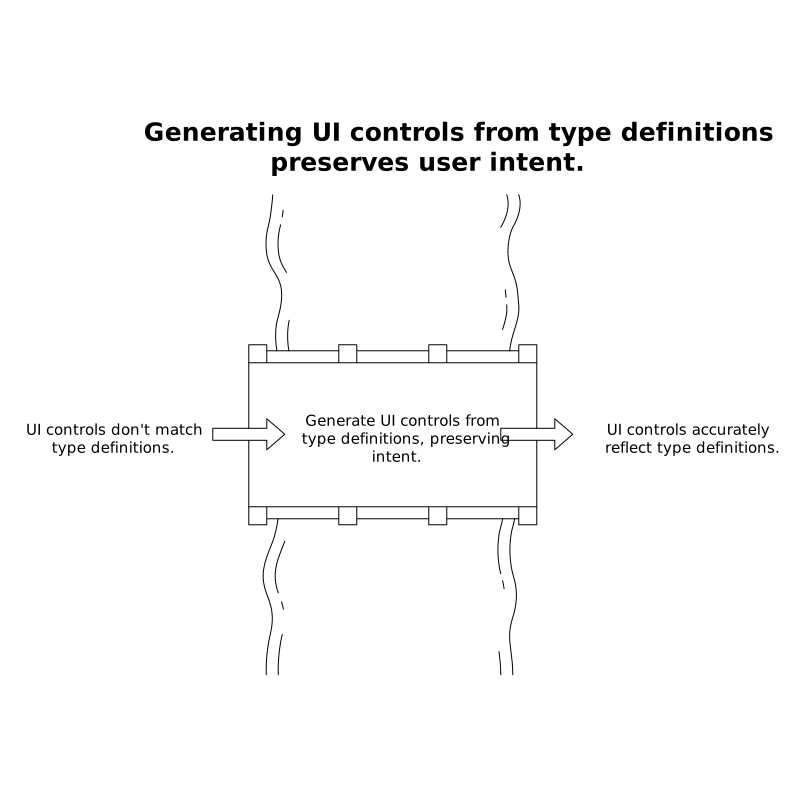
A common failure mode is generating the UI from types, but validating differently at runtime (or not at all). That’s how you get “the form accepted it but the job failed.” The goal is tight alignment: the schema that drives the UI is also used by runtime guards.
Runtime guards are the non-negotiable layer
TypeScript types disappear at runtime; Python type hints don’t enforce anything by default. A schema-driven UI still needs runtime guards to protect execution, especially when internal tools become endpoints, are triggered on schedules, or are run by many teams.
Runtime guards typically include:
- Structural validation: required fields, allowed properties, nested shape checks.
- Value constraints: min/max, regex patterns, length limits, allowed ranges.
- Cross-field rules: “if mode is ‘incremental’, since must be provided,” or “start date must be before end date.”
- Coercion rules: deciding when to coerce (“42” to 42) vs reject for safety.
When you generate forms from schemas, you also get a predictable place to surface validation errors: directly on the field, before execution. That reduces wasted runs and makes tools usable by non-authors.
Secret-aware defaults and why they change form design
Internal tools routinely need credentials, API keys, connection strings, signing secrets, or tokens. Treating those as “just another string field” leads to two problems: leaking secrets into logs and UIs, and encouraging copy-paste practices that bypass managed secret stores.
Secret-aware defaults address this by making secrets first-class in the schema and in the generated form:
- Secret references, not values: the form stores a reference (e.g., a secret name) and resolves it at execution time.
- Safe rendering: the UI shows “selected secret” or masked indicators, not plaintext.
- Least exposure: secrets shouldn’t be persisted in run history, exported payloads, or client-side state beyond what’s necessary.
- Environment scoping: default secrets can differ by workspace, environment, or worker group without changing code.
This is also where platform ergonomics matter. In a code-first platform, you want developers to annotate inputs so the UI knows which fields should be secret selectors, while the runtime ensures those values never show up in logs. Windmill’s Secret Management and RBAC model fits that pattern well: authors can define what a script needs, and operators can control who can resolve which secrets.
Schema-driven defaults that stay correct over time
Defaults are not just convenience; they are a safety feature. The wrong default can be worse than no default. Schema-driven defaults should be explicit, testable, and environment-aware.
Useful default categories
- Static defaults: a safe region, a conservative batch size, a dry-run flag enabled by default.
- Derived defaults: “today” ranges, user identity, or workspace-specific parameters.
- Secret defaults: default secret references based on environment (dev vs prod).
- Dynamic suggestions: autocomplete options fetched from a database or API, validated on selection.
To avoid drift, keep defaults close to the schema and treat them as part of the contract. If you manage internal tooling as a product, it’s worth measuring whether defaults are reducing errors or causing reruns; analytics can help, even in privacy-conscious environments. If you’re thinking about measuring real usage without over-relying on third-party cookies, this can pair well with approaches discussed in cookie-free first-party analytics.
Handling complex schemas without building a confusing UI
As schemas grow, the UI can become overwhelming. A schema-driven approach should include UI metadata that doesn’t change runtime validation but improves usability:
- Field descriptions: short, specific help text that clarifies expected values.
- Grouping: sections like “Source,” “Destination,” “Safety,” “Notifications.”
- Visibility rules: hide advanced fields unless an “advanced” toggle is enabled.
- Presets: named input sets for common runs (e.g., “Backfill last 7 days”).
Crucially, UI metadata should never become a separate truth. You want a single schema with both validation rules and presentation hints, or an explicitly versioned pairing.
Operational benefits beyond form generation
The reason schema-driven forms scale is not the UI itself—it’s everything that becomes easier once inputs are standardized.
- Auditability: you can record which validated inputs were used, without recording secret values.
- Reproducibility: reruns use the same schema version and validation semantics.
- Safer endpoints: exposing scripts as internal APIs is less risky when payloads are schema-validated.
- Workflow composition: DAG steps can rely on typed, validated outputs of prior steps.
- Observability: input validation errors can be logged as structured events and alerted on.
This is where an internal developer platform approach pays off. Windmill’s model—scripts in many languages, workflow orchestration, generated UIs, and production observability—maps naturally to schema-first execution: engineers keep real code, while operators get consistency, governance, and visibility.
A practical implementation blueprint
For teams implementing this pattern (whether in-house or by standardizing on an internal tools platform), a pragmatic sequence looks like:
- Choose a schema format: JSON Schema, Zod, OpenAPI, Pydantic models, or a typed function signature that can be converted.
- Define runtime validation: treat runtime guards as mandatory, not a “nice to have.”
- Add secret-aware types: represent secrets as references with strict handling in UI, persistence, and logs.
- Layer UI metadata: labels, descriptions, grouping, and conditional visibility.
- Version schemas: breaking changes should be explicit, and older runs should remain interpretable.
- Instrument and iterate: track validation failures, common overrides of defaults, and confusing fields to improve the schema and UI.
The end state is a small but powerful contract: the schema defines what’s allowed, the UI makes it easy to provide, and runtime guards ensure it stays true in every execution context.